The Hidden Problem: Price Inconsistency
A competitor posts a 4K TV on Instagram at "299 KD: Flash Sale!" But check their actual online store... the price is still 349 KD. Often it's a promotion that hasn't reached the website yet.
Either way: if your customer sees both, they're confused. And if YOUR price is 320 KD, you need to know that your competitor is advertising below you, even if their store doesn't reflect it.
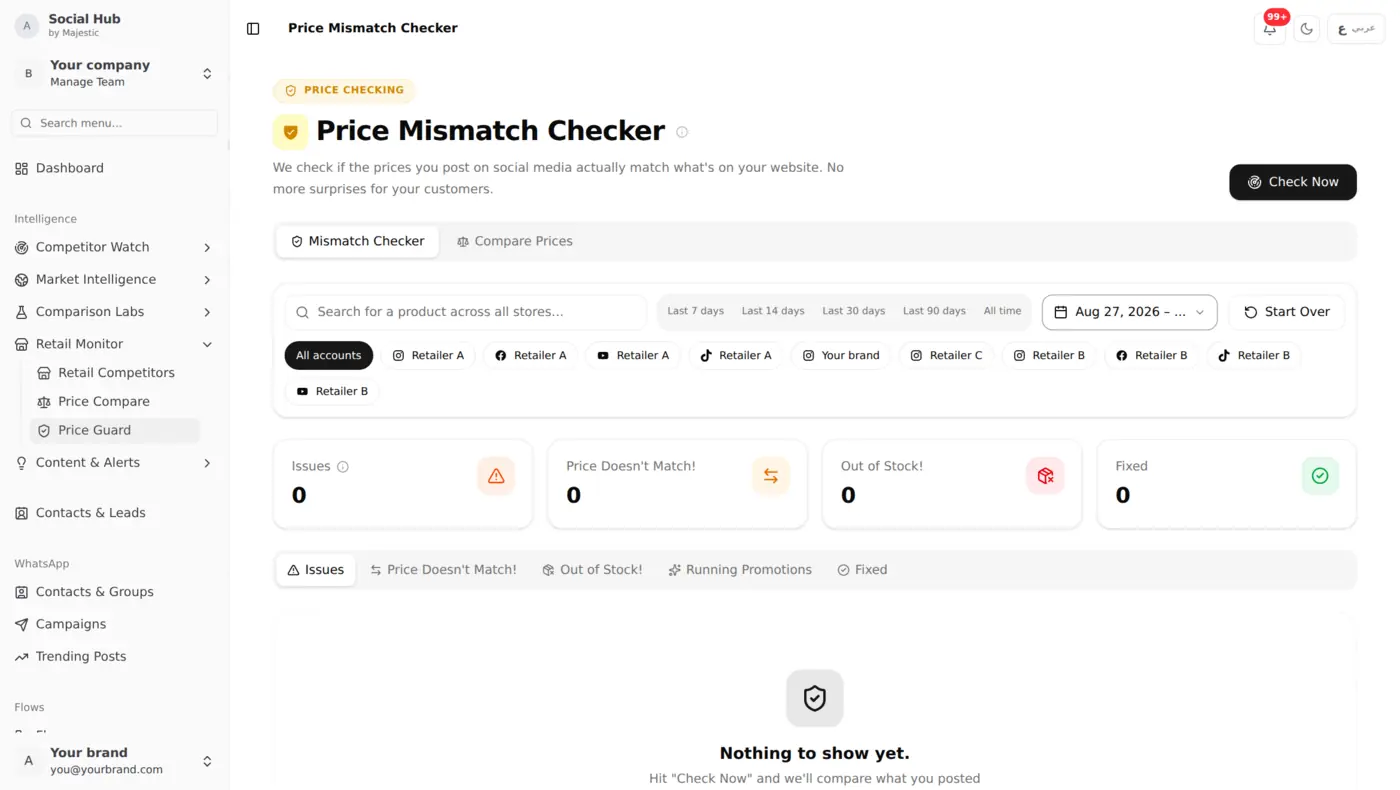
This is the problem Price Guard solves: it's a core part of Social Hub's competitor price tracking software.
How Price Guard Works
Social Hub checks tens of thousands of products across Kuwait's leading online retailers every day, with hundreds of thousands of price snapshots recorded so far.
Step 1: Social Media Scanning
Social Hub's AI Vision system scans competitor posts every day and extracts pricing data. Prices shown in promotional images are captured and structured.
Step 2: Retail Store Monitoring
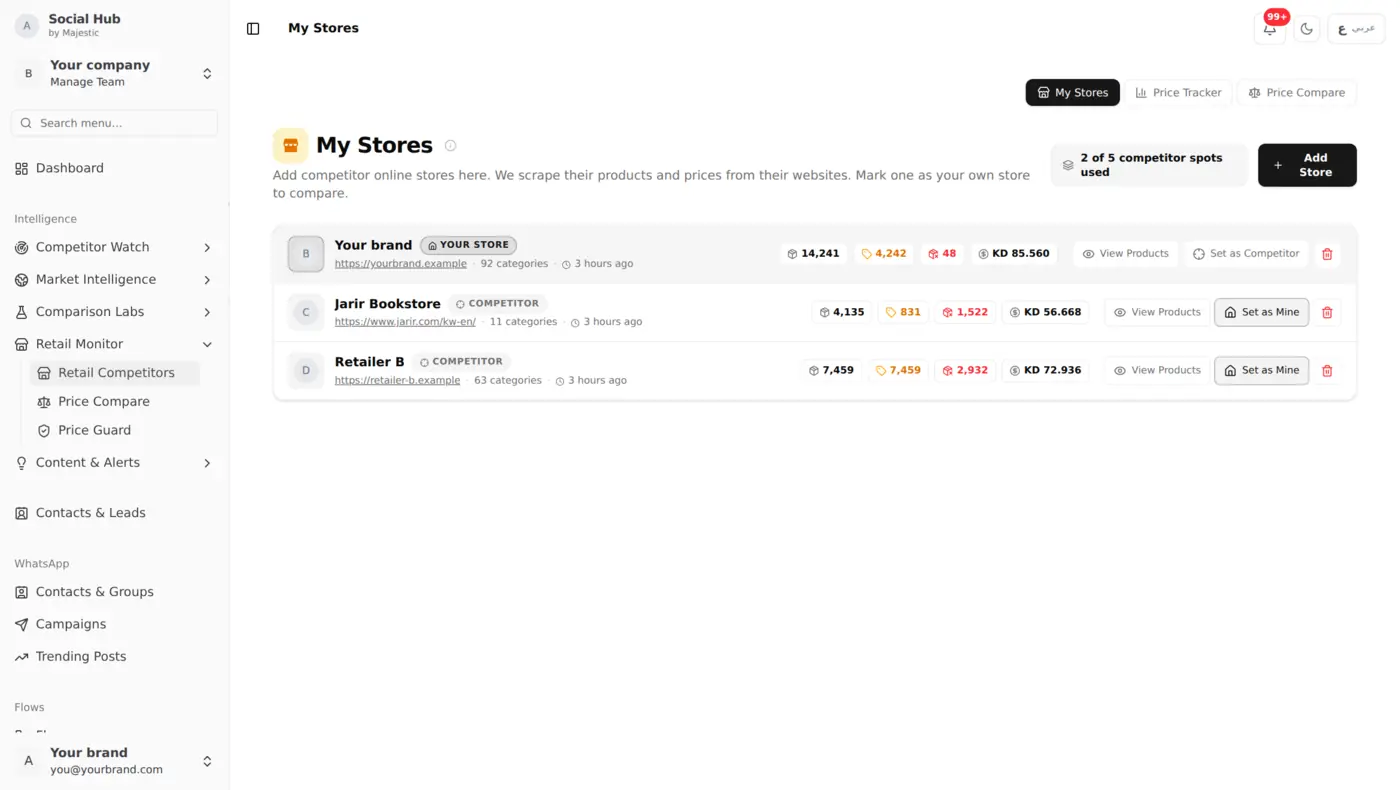
Alongside this, our retail tracker monitors the public websites of Kuwait's leading retailers (such as Xcite, Best Al Yousifi, Eureka and Blink), capturing product prices every day.
Step 3: Cross-Channel Comparison
Price Guard compares the two data sources:
- Price in social media post vs. price on their website
- Whether the promoted product is in stock on their website
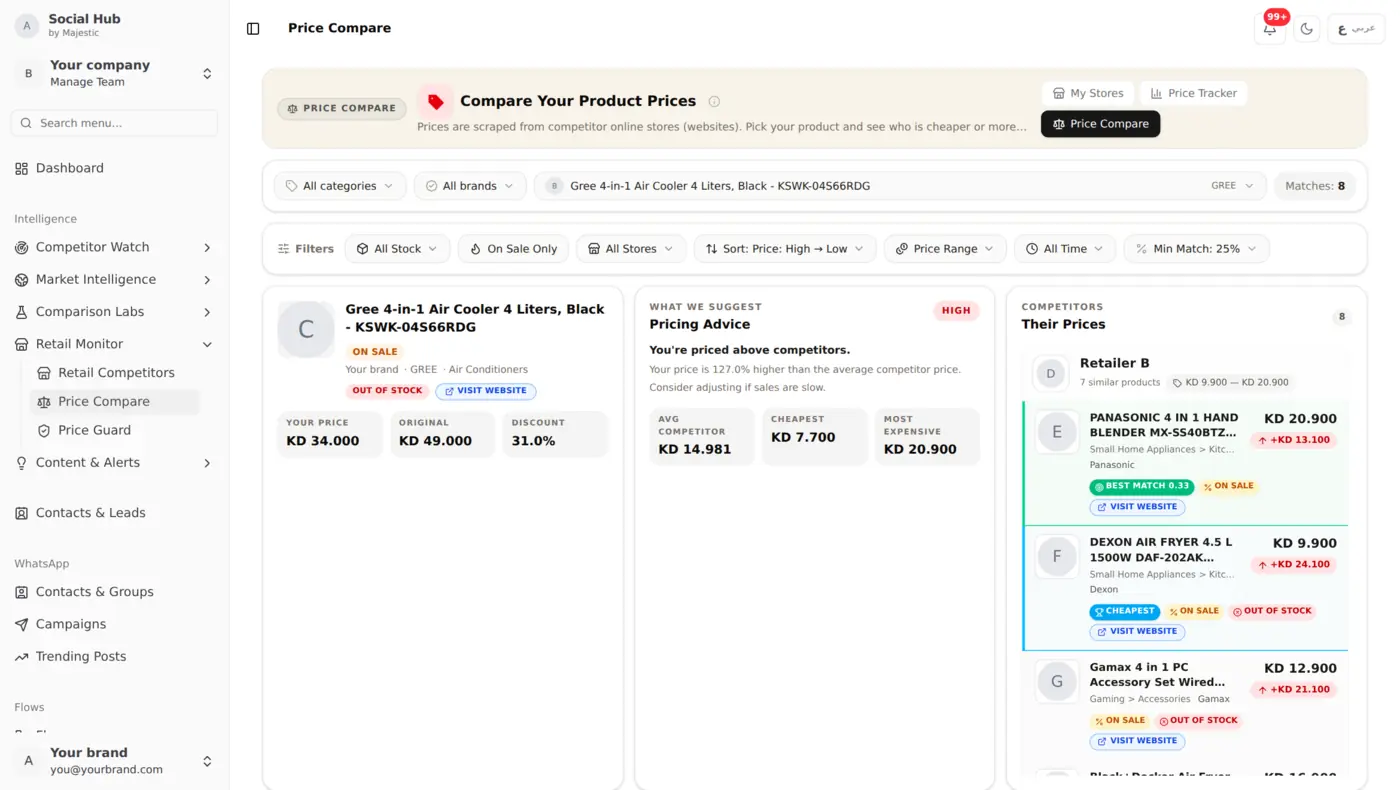
To see how their price compares with yours for the same product, open Price Compare.
Step 4: Daily Mismatch Report
Every morning, flagged mismatches appear in Price Guard with:
- What product is affected
- The social media price vs. store price
- Stock status on the store's website
- A direct link to the competitor's post and product page
Types of Mismatches Price Guard Catches
Social-to-Store Mismatch
A store advertises one price on social media while its website shows another. Useful for adjusting your own competitive positioning, or for catching your own promotions that haven't reached your website yet.
Competitor-to-You Gap
A competitor's price is significantly below yours for the same product, and Price Compare shows you the gap. You can decide to match, ignore, or run a counter-promotion.
Historical Price Drop
A product that's been stable at 150 KD for months suddenly shows up at 99 KD in a competitor's post. Early warning of a clearance sale or new pricing strategy.
What You Can Do With It
Say Retailer A promotes a TV on Instagram at a lower price than its website shows. Price Guard puts the two prices side by side in your next daily update, with links to the post and the product page. Open Price Compare to see where your own store's price sits for the same model, then decide whether to match, run a counter-offer or wait.
Resolution Workflow
When Price Guard flags a mismatch, your team can:
- Investigate, is it a real promotion or a social media error?
- Decide, match the price, run a counter-offer, or wait?
- Resolve, mark a mismatch on your own store as handled once it's fixed
- Track, see all resolved and unresolved mismatches over time
Who Uses Price Guard
- Electronics retailers: high-value products where a 10 KD difference drives purchases
- Appliance stores: seasonal promotions that create pricing chaos
- Mobile phone retailers: daily price fluctuations and flash sales
- Any retailer competing on price in Kuwait's tight market
Get Started
Price Guard activates automatically when you have both:
- A store's social profiles tracked (Instagram/Facebook)
- The same store's website being monitored
The system starts cross-referencing in the next daily scan.
Keep Reading
- Retail Price Monitoring: track prices across Xcite, Best, Eureka, and Blink
- AI Vision Analysis: how we extract prices from social media images
- Built for GCC Businesses: how Social Hub is built for GCC businesses