Most competitor offers never appear as text. They sit inside an image: a banner with a big red price, a carousel of products, a story-style graphic with the conditions in small print. A caption might say "Big sale this weekend 🔥" and nothing else.
This guide is about that image. What can software reliably read from it, where does it need a second look, and how should your team check an offer before reacting to it?
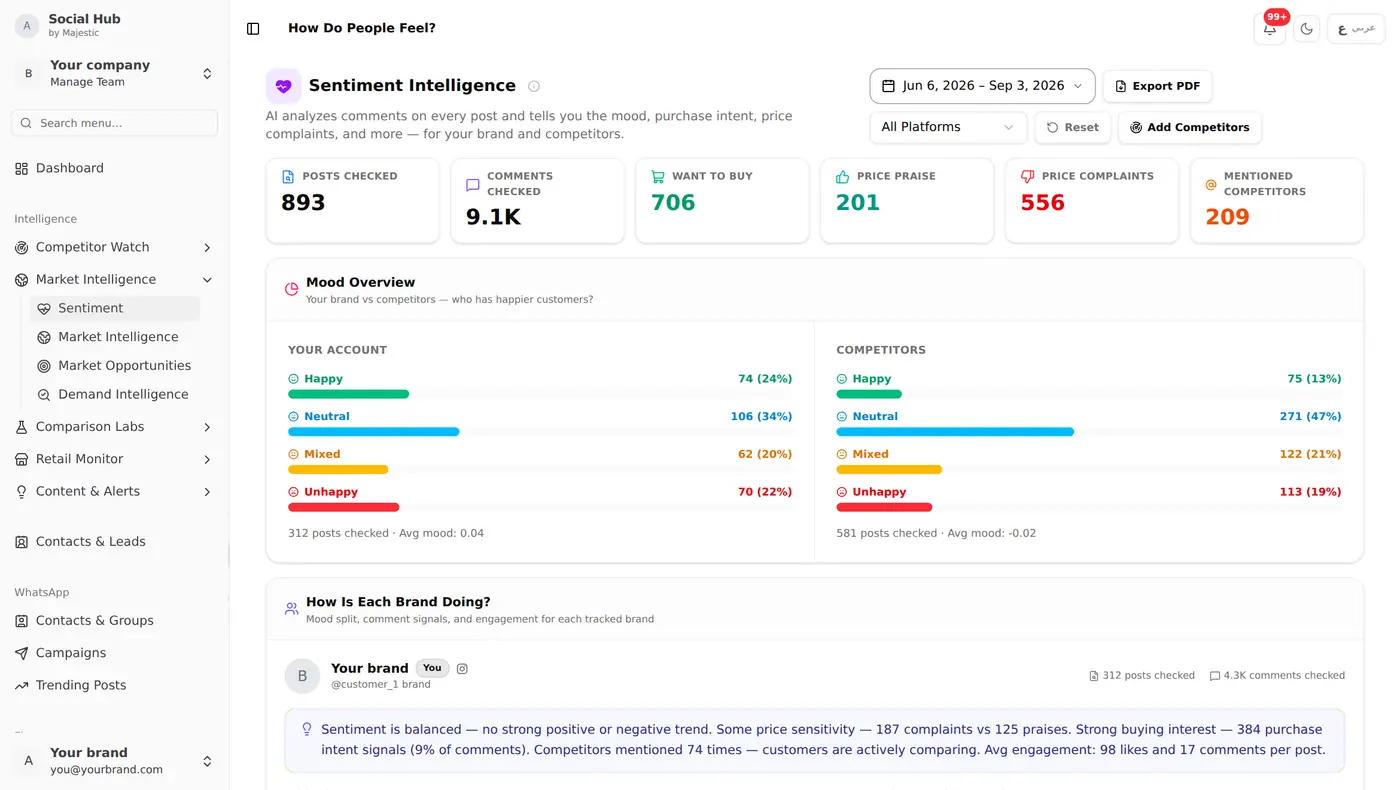
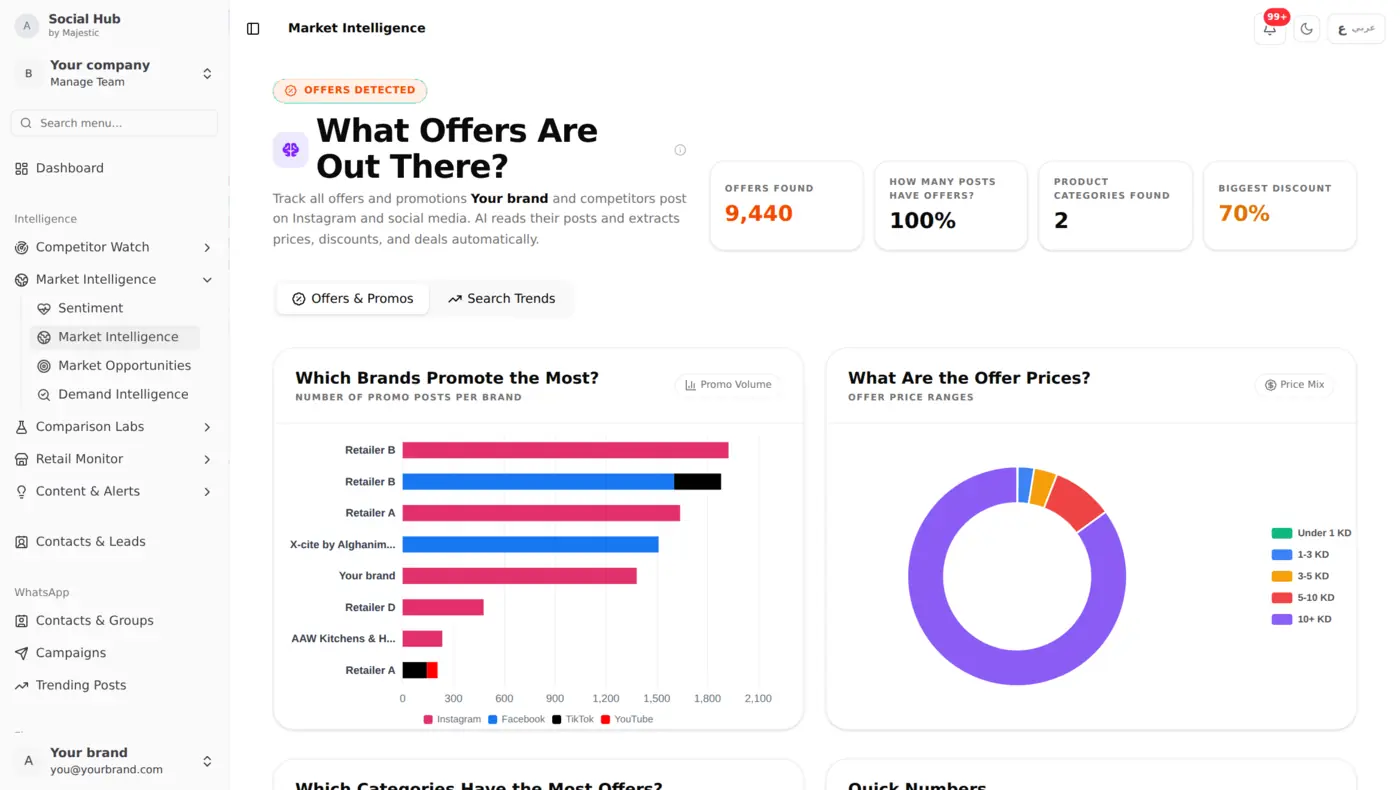
For the product tour itself, see Market Intelligence and Demand Intelligence. This post is the practical side.
What a promo image actually contains
When Social Hub collects a competitor's post, it keeps the images and video cover frames and reads them with AI vision. From each image it tries to pull out:
- The product: brand, model and category
- The price: the offer price, and the original price if one is shown
- The deal: discount percentage, bundle, instalment plan or other conditions
- The event: a named sale or season, such as a month-end sale or a Ramadan offer
The result is a structured record instead of a picture:
Product: Samsung Galaxy S24 Ultra Price: 199 KD (was 249 KD) Discount: 20% Promotion: Month-end sale
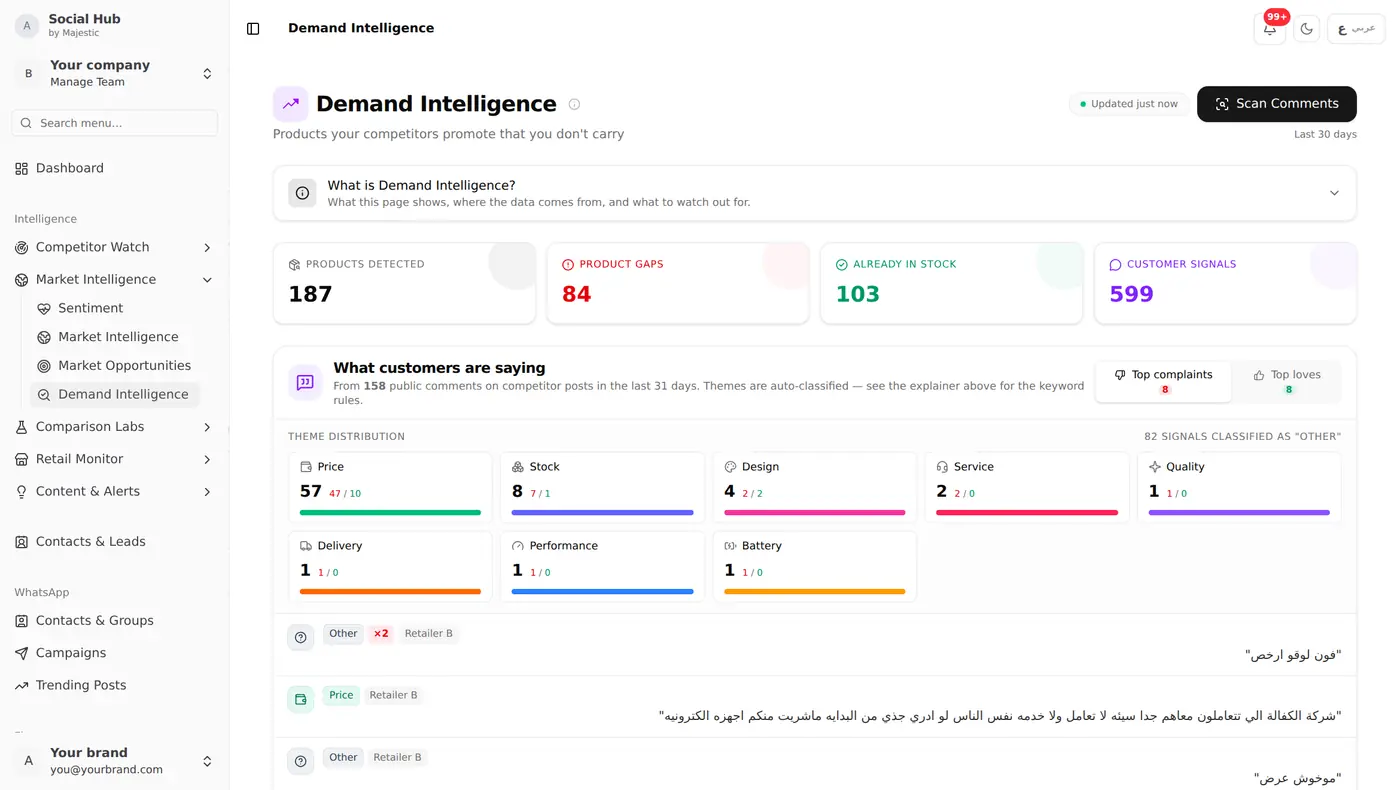
That record is what makes the rest possible: Price Guard can compare it with the store's own website, and demand reports can count which products get pushed most.
Six promo formats, from easy to tricky
Not every image is equally clear. Knowing the difference helps you decide how much to trust a detected offer.
1. One product, one price, clean background
The easy case. Product name and price are large and separate. These are read reliably.
2. Old price crossed out, new price beside it
Also common and usually read well. The thing to check is that the original and offer price were not swapped, especially when both are the same size.
3. Arabic numerals and mixed scripts
Prices like ٨٫٩٠ د.ك or a banner with an Arabic headline and an English model name. Social Hub reads Arabic and English text, including Kuwaiti price formats, but a decimal mark that looks like a dot or a comma in stylised fonts is worth a glance when the price matters.
4. "From" prices and price ranges
"Starting from 99 KD" is not the price of the phone in the picture. It is the cheapest version of a range. Treat these as a floor, not a direct comparison with your price.
5. Instalments and bundles
"Only 15 KD a month" or "phone + case + charger for 210 KD". The headline number is not the product price. Check the conditions before comparing.
6. Carousels and collages
Ten products on one graphic, or a carousel where the price is on slide 4 and the product on slide 1. Matching the right price to the right product is the hardest part here.
Check an offer in four steps before you react
A detected offer is a lead, not a verdict. Before you cut a price or call a supplier, take two minutes:
- Open the original post. Look at the image yourself. Does the price belong to the product you think it does?
- Read the conditions. Is it a "from" price, an instalment, a bundle, members only, one branch only?
- Check the dates. Many promos end at the weekend or month end. A price that has already expired does not need a reaction.
- Compare like for like. Same model, same storage, same colour, same warranty. A 128 GB price is not a 256 GB price.
If all four hold, you have a real competitor price, not a misreading.
Turn readings into decisions
Single offers are interesting. Patterns are useful. After a few weeks of readings, ask:
- Who discounts most often, and how deep? A competitor that runs 30% off every month has trained its customers to wait.
- Which products keep appearing in promotions? If three competitors keep pushing the same model, either demand is high or stock is heavy.
- Does the social price match the website? A gap between the Instagram price and the store's own site is exactly what Price Guard flags.
- When do campaigns start? If a rival always moves the week before payday, you can plan your own offer a few days earlier.
Common mistakes
- Reacting to every offer. Most promos are short and narrow. Match the ones on products that matter to you.
- Trusting the headline number. "From", "monthly" and "bundle" prices mislead more often than misread digits do.
- Ignoring stories and reels. Many offers are posted there first; the video cover frame often carries the price.
- Looking at likes instead of content. A promo with 40 likes can still undercut you on your best-selling product.
Getting started
- Add the competitors you care about by their Instagram or Facebook handle.
- Let the first collection run; recent posts are read automatically.
- Open the insights screens and pick the three products you sell most. Watch those first.
Keep reading
- Price Guard: catch pricing mismatches, where social prices meet website prices
- Product demand intelligence, turning many readings into market signals
- How to track competitor Instagram posts, setting up the competitors to watch