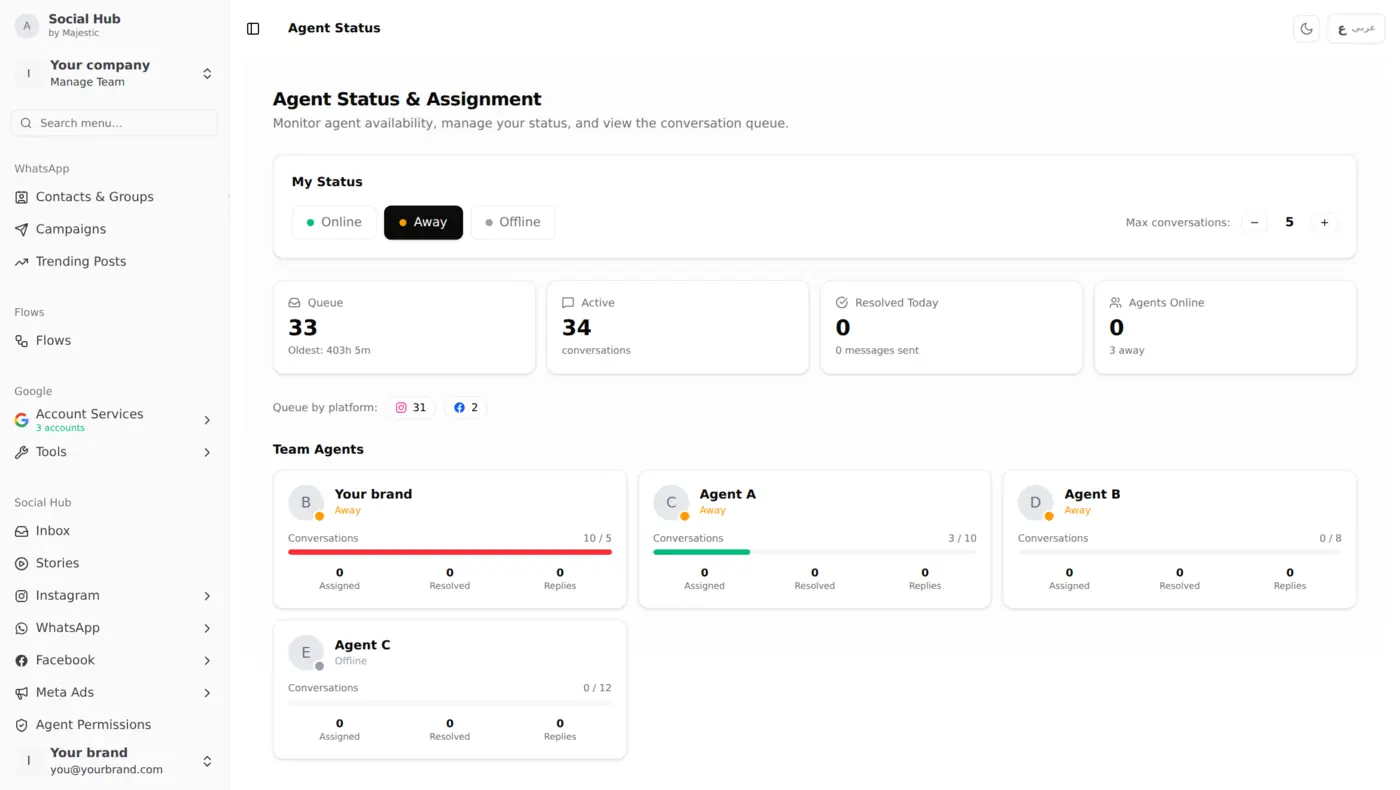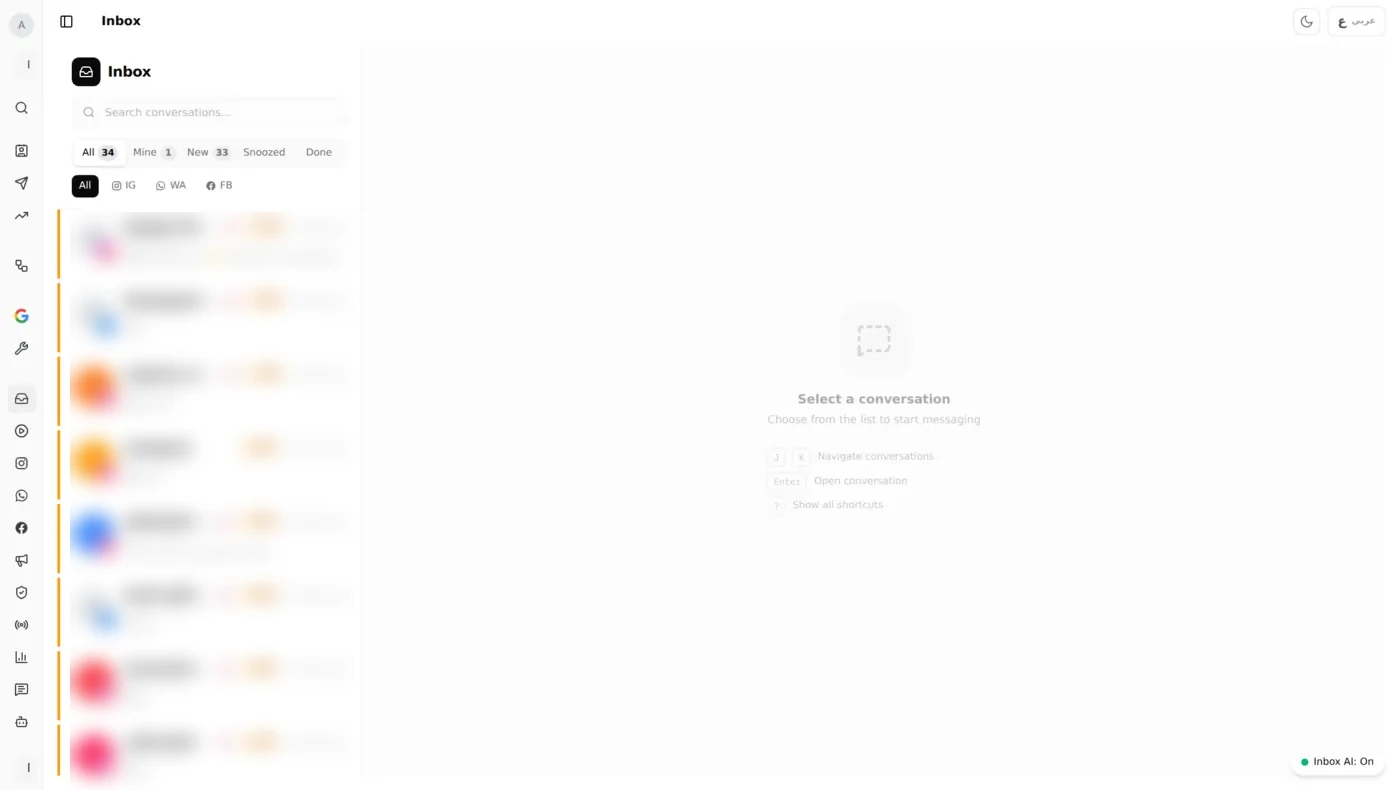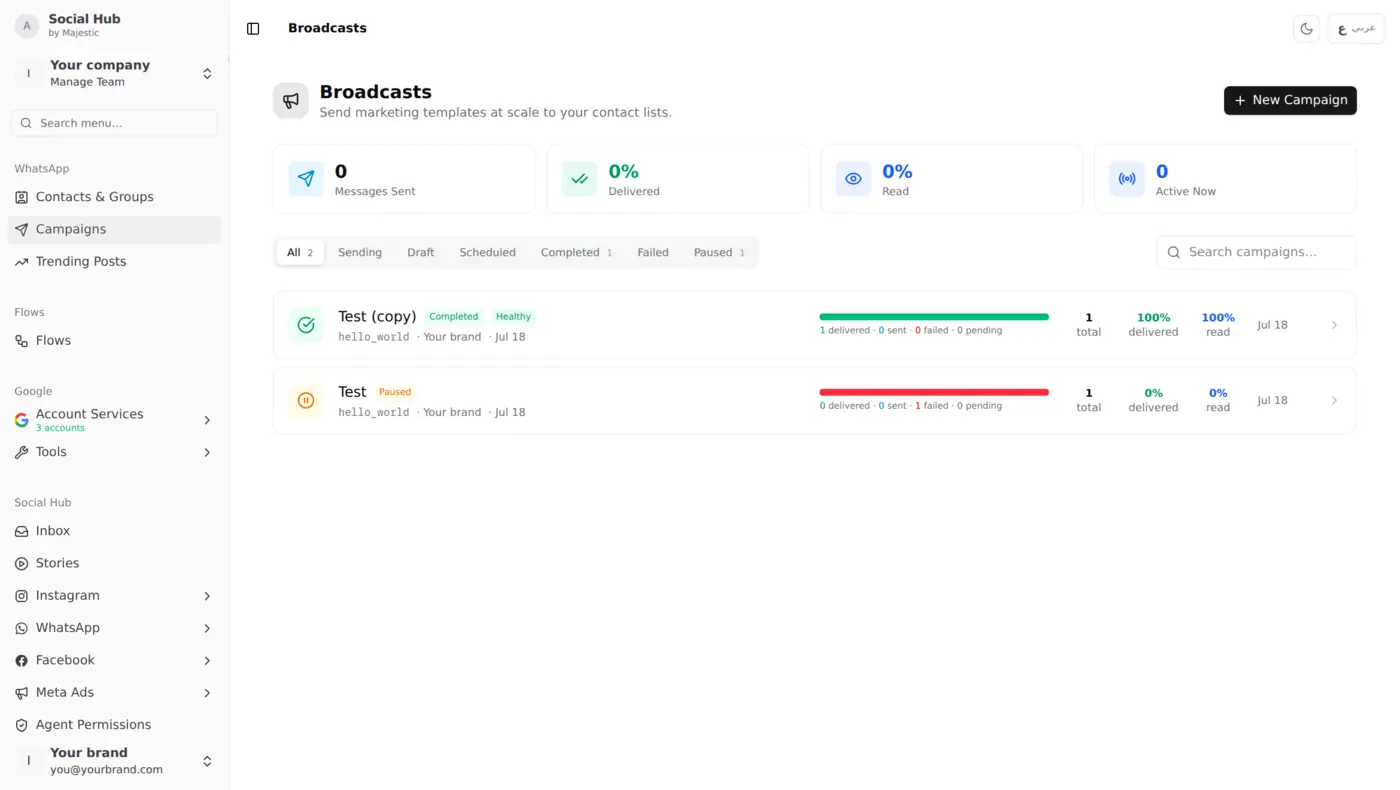
Why Comment Moderation Matters
A single unanswered negative comment on Instagram can spiral into a PR issue. A product question that goes ignored is a lost sale. And spam comments make your brand look unmanaged.
For brands in Kuwait managing multiple Instagram accounts and Facebook pages, staying on top of comments is a full-time job: unless you automate it.
Comment Management Dashboard
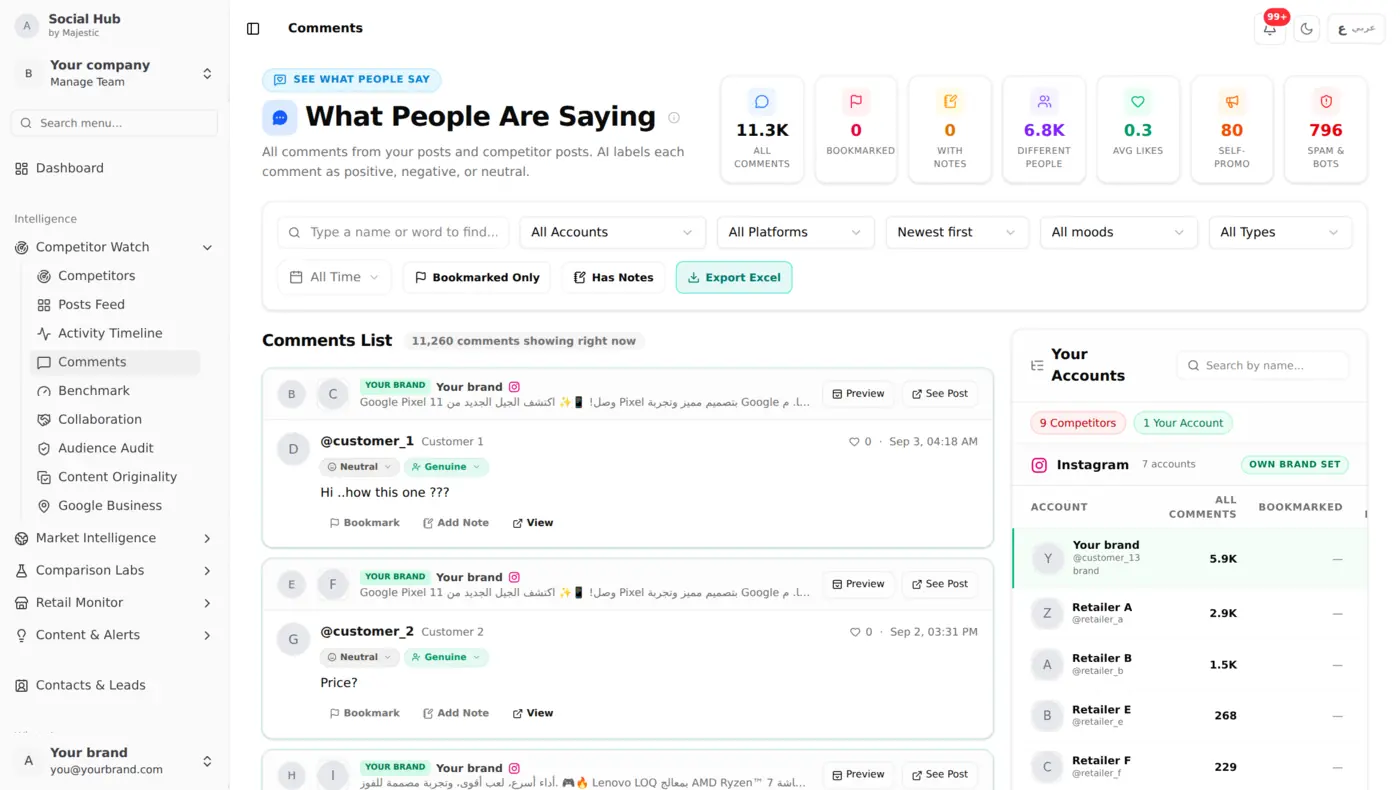
Social Hub pulls all comments from your connected Instagram and Facebook accounts into a single, searchable interface. Here's a live view managing 12 Instagram posts with comments:
How It Works
All Posts in One View Every post from your connected accounts appears in the left panel:
- Post thumbnail and caption preview
- Comment count per post
- Like and share counts
- Sorted by most recent
Click to Manage Select any post to see its full comment thread:
- All comments with timestamps
- Reply directly from Social Hub (no need to open Instagram)
- Delete spam or inappropriate comments
- Like comments to acknowledge them
Cross-Platform Coverage
Comments from both Instagram and Facebook come together in the Community area, kept separate from your DM inbox so public conversations don't get buried under private messages.
Facebook page comments and Instagram post comments: all managed from one screen.
AI-Powered Comment Analysis
Social Hub doesn't just collect comments: it understands them:
Sentiment Detection
Every comment is analyzed for sentiment:
- 😊 Positive, praise, purchase intent, recommendations
- 😐 Neutral, questions, general mentions
- 😠 Negative: complaints, frustration, criticism
Each comment is also checked for type (genuine, spam or bot), so spam is easy to spot.
Intent Classification
Comments are classified by intent:
- Question, "How much?" "Is it available?" "Do you deliver?"
- Lead, "I want to order" "How can I buy this?"
- Complaint, "Bad experience" "Still waiting for my order"
- Praise, "Best service!" "Love your food"
- Spam and Other, so everything else is sorted too
Spot Patterns
Across hundreds of comments, Community Analytics shows you the bigger picture:
- Sentiment over time → notice when the mood shifts
- Intent breakdown → see how many comments are questions, leads or complaints
- Negative threads to action → know where to start
Comment Response Workflow
Prioritize What Matters
Not all comments need equal attention. Social Hub helps you focus:
- Negative comments, respond immediately to prevent escalation
- Questions and leads, these are potential sales, respond fast
- Spam, delete and move on
- Positive comments, like and optionally reply (builds community)
Use Canned Responses
For common comment types, use pre-built responses:
- "Thank you for your feedback! We'll look into this right away. 🙏"
- "Hi! Please DM us your order number and we'll check on it immediately."
- "Thanks for your kind words! We appreciate your support. ❤️"
Escalate When Needed
Serious complaints can get a private reply or be turned into a case directly from the comment: moving a public comment toward a private resolution.
Moderation at Scale
Multi-Account Management
If you manage multiple brands or branches:
- Filter by account or platform
- See comment activity across all accounts in one view
- Assign comments to the right team member
Comment Filtering
Find what you need fast:
- Filter by sentiment (show only negative)
- Unanswered, Answered, Hidden and Spam tabs
- Search by keyword ("refund", "delivery", "price")
- Sort by newest, oldest, or most liked
What You Can Do With It
Bring every Instagram and Facebook comment into one queue, let AI label sentiment and intent, and work through the unanswered ones first. Answer questions and leads while interest is high, move serious complaints into a private conversation, and hide or delete spam. Moderation rules can handle routine cases for you, such as hiding spam or notifying your team when a negative comment arrives.
Getting Started
- Connect your Instagram Business account and Facebook Page
- Comments appear automatically with no setup needed
- Set up a moderation rule: get notified automatically when a negative comment arrives
- Create response templates for common comment types
- Review daily: 15 minutes of comment management prevents hours of crisis management