Your customers don't care which app your team prefers. They message on WhatsApp, reply to your Instagram story, ask a price in the comments and send a DM, often the same person on the same day. If three people on your team answer from three phones, someone gets ignored and someone gets answered twice.
This guide answers the questions teams ask most when they look for one inbox for WhatsApp and Instagram, in plain language.
What is a unified inbox for WhatsApp and Instagram?
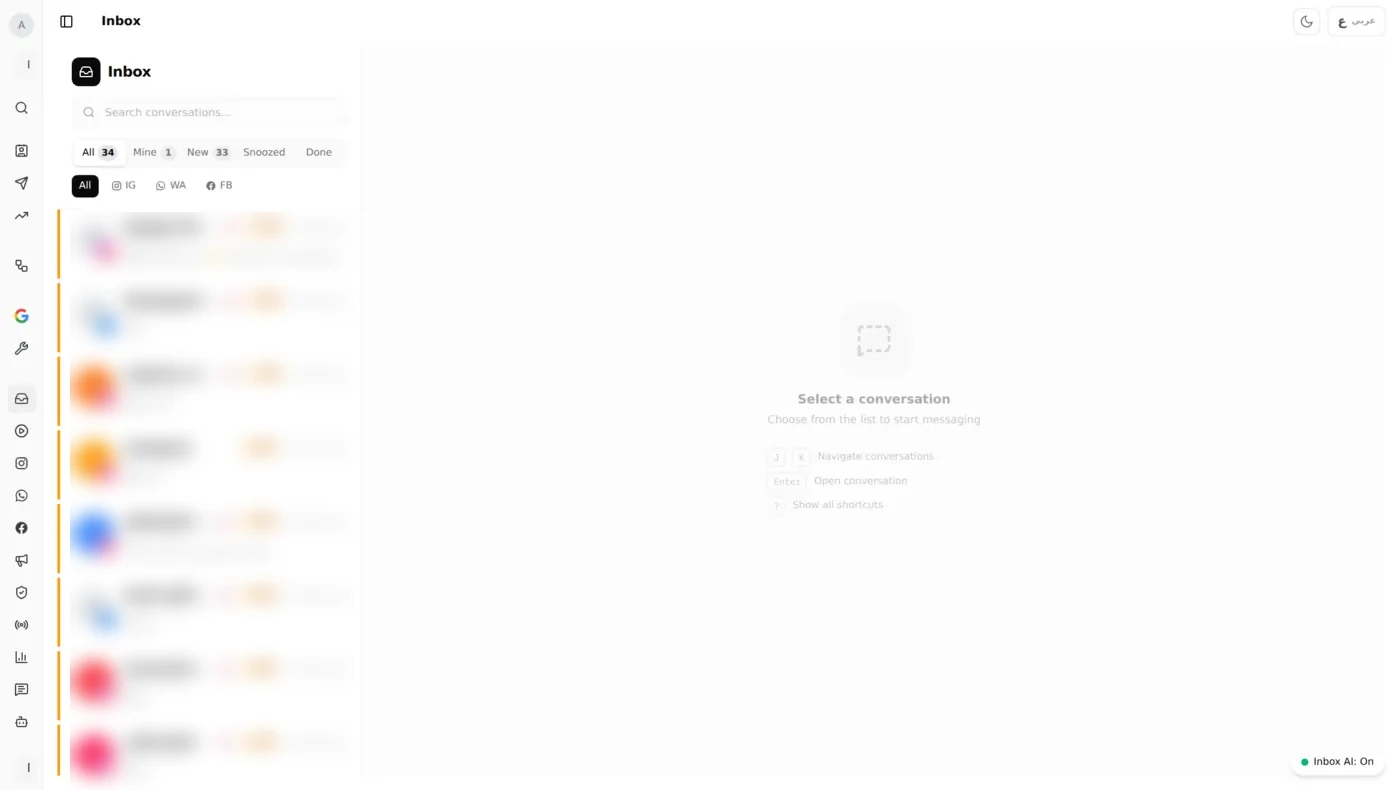
A unified inbox (also called a shared or team inbox) puts WhatsApp messages, Instagram DMs, Instagram comments and Facebook Messenger in one list. Every conversation has an owner and a status, and the full history stays visible to the whole team. Nobody needs to pass a phone around or log in to four apps.
What is the best tool to handle customer chats from Instagram and WhatsApp in one inbox?
The right tool depends on your team, but for a business with two or more people answering customers it should do five things:
- Connect through the official APIs: the WhatsApp Business Platform and the Instagram and Messenger APIs from Meta, not an unofficial WhatsApp Web bridge that can get your number banned.
- Let many agents share one WhatsApp number, each with their own login.
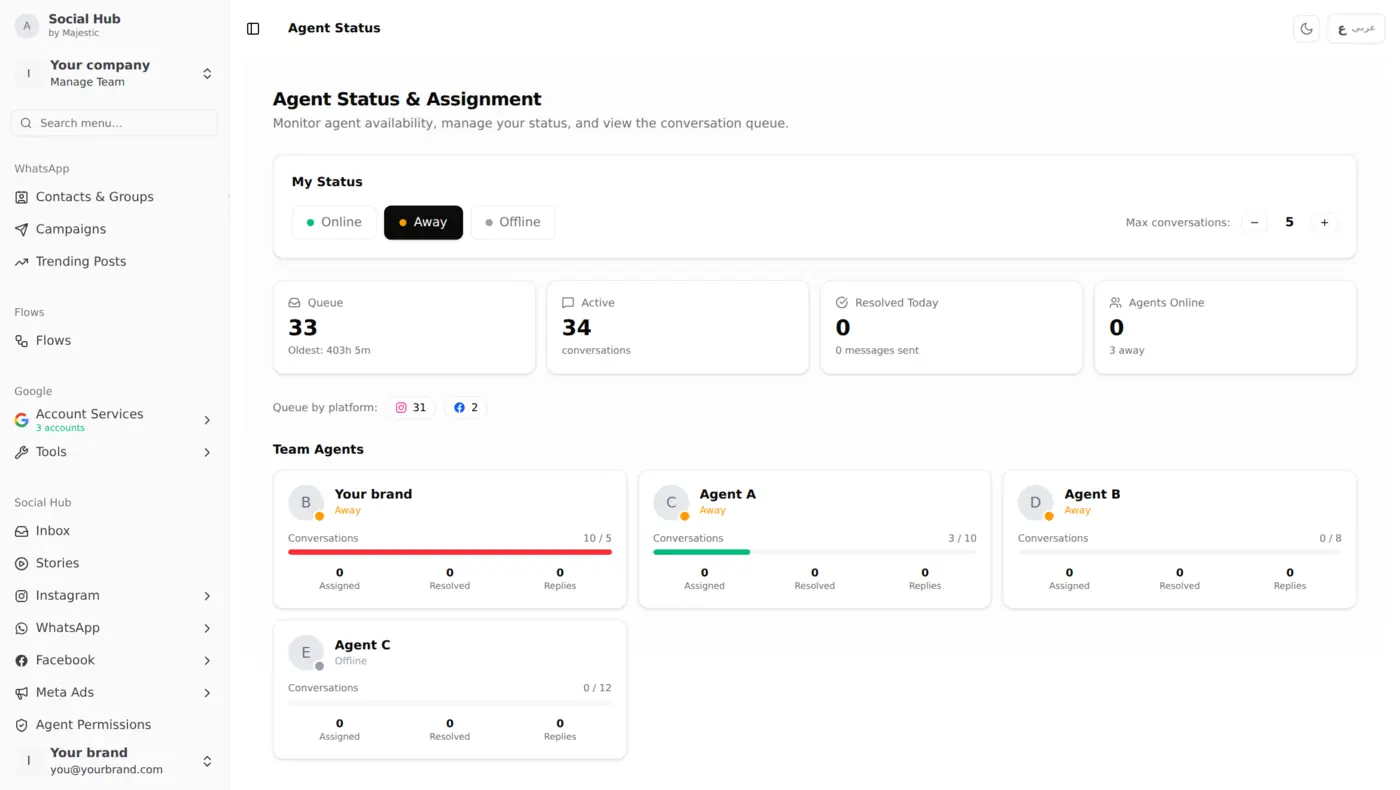
- Assign conversations to a person or department, and transfer them when needed.
- Automate the repetitive part: away messages, keyword auto-replies and saved replies for the questions you get fifty times a day.
- Show response times, so you know whether customers are actually being answered.
Social Hub's WhatsApp Business Inbox is built around exactly this list, and it works in Arabic and English.
Can several people use the same WhatsApp Business number?
Not comfortably with the WhatsApp Business app: it is designed for one phone plus a few linked devices, with no assignment, no ownership and no record of who replied. With the WhatsApp Business Platform (API), the number lives in a shared inbox instead of a phone, so any number of agents can reply from it, each with their own login and permissions.
How do we stop two agents from replying to the same customer?
Assignment. When a new conversation arrives it is either assigned automatically (by channel, keyword or department) or picked up by an agent. Everyone else can see who owns it. If the owner is busy or the question belongs to another department, they transfer it, and the history goes with it, so the customer never has to repeat themselves.
Can Instagram comments and DMs go to the same inbox as WhatsApp?
Yes. In Social Hub, Instagram DMs and Instagram comments arrive next to WhatsApp and Messenger conversations. That matters, because a "how much?" comment under a post is a sales lead that disappears quickly if nobody answers it. See also our guide to moderating Instagram comments at scale.
What about the 24-hour rule?
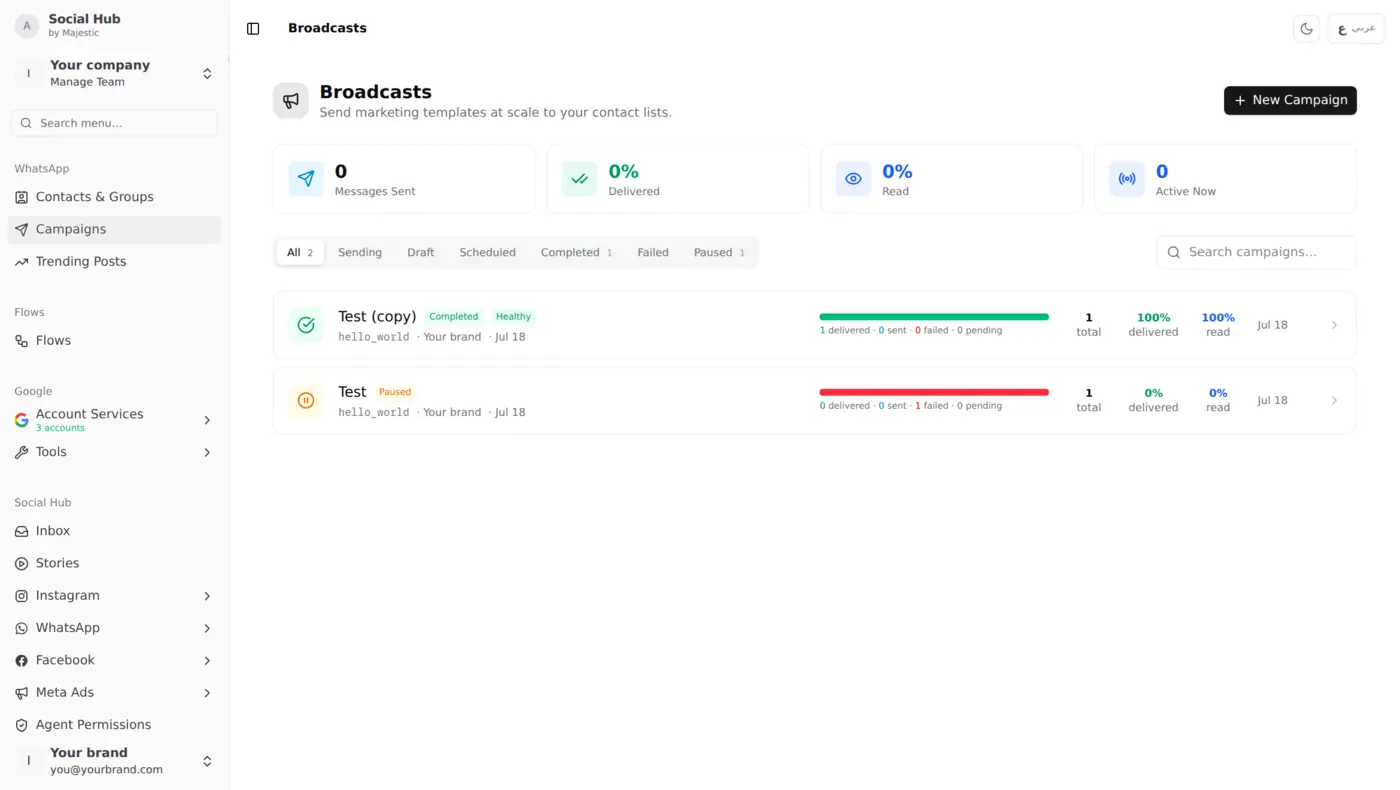
WhatsApp and Instagram both let a business reply freely within 24 hours of the customer's last message. After that, WhatsApp only allows pre-approved message templates. A good team inbox shows how much of that window is left, so agents reply before it closes. Templates are also what you use for WhatsApp broadcast campaigns.
How do we answer faster without hiring more people?
- Saved replies (macros) for prices, delivery areas, opening hours and return policy.
- Keyword auto-replies that answer simple questions instantly and route the rest to a person.
- After-hours messages that tell customers when you will be back, so they aren't left waiting in silence.
Our guide to auto-reply rules and macros shows how to set these up without sounding like a robot.
How do we know if the team is doing a good job?
Track first response time, resolution rate and conversations per agent, and set a target, for example "every WhatsApp message answered within 15 minutes during working hours". Social Hub alerts you when a conversation waits too long. More in our team performance dashboard guide.
Does it work in Arabic?
Yes. The inbox, saved replies and auto-replies support Arabic and English side by side, and the interface works right-to-left. Teams in the Gulf and the wider Middle East often switch languages in the same conversation, so this matters more than it sounds.
How long does setup take?
Usually a day, not a project:
- Connect your WhatsApp Business API number, Instagram account and Facebook page.
- Invite your agents and decide who sees what.
- Add your top ten saved replies and an after-hours message.
The short version
If one person answers customers from one phone, the WhatsApp Business app is enough. Once two or more people share the work, or Instagram becomes a real sales channel, a shared inbox stops being nice to have. It is the only way to know that every customer got an answer.