Why Manual Competitor Tracking Fails
You open Instagram. Scroll through your competitor's profile. Screenshot an interesting post. Send it to your team on WhatsApp. Someone eventually logs it in a spreadsheet.
Sound familiar? This approach fails because:
- It's inconsistent: you check when you remember, not when your competitor posts
- It's slow: by the time you spot a promotion, your competitor's already running it
- It misses context: a screenshot doesn't tell you engagement rates, posting patterns, or trend data
- It doesn't scale: tracking 2 competitors is manageable, tracking 20 is impossible
Step 1: Identify Your Competitors
Before tracking, define who you're watching. In Kuwait, most businesses compete in three tiers:
Direct competitors: same product, same market (e.g., two burger restaurants in Kuwait City) Category competitors: same category, different positioning (e.g., a casual burger joint vs a premium steakhouse) Aspirational competitors: where you want to be (e.g., a regional chain you want to match)
In Social Hub, you add competitors by Instagram handle. The system automatically starts scraping their public posts.
Step 2: Set Up Automated Scraping
Social Hub scrapes competitor Instagram posts on a daily schedule. Every post is captured with:
- Full image/carousel content
- Caption text
- Engagement metrics (likes, comments)
- Posting timestamp
- Hashtags used
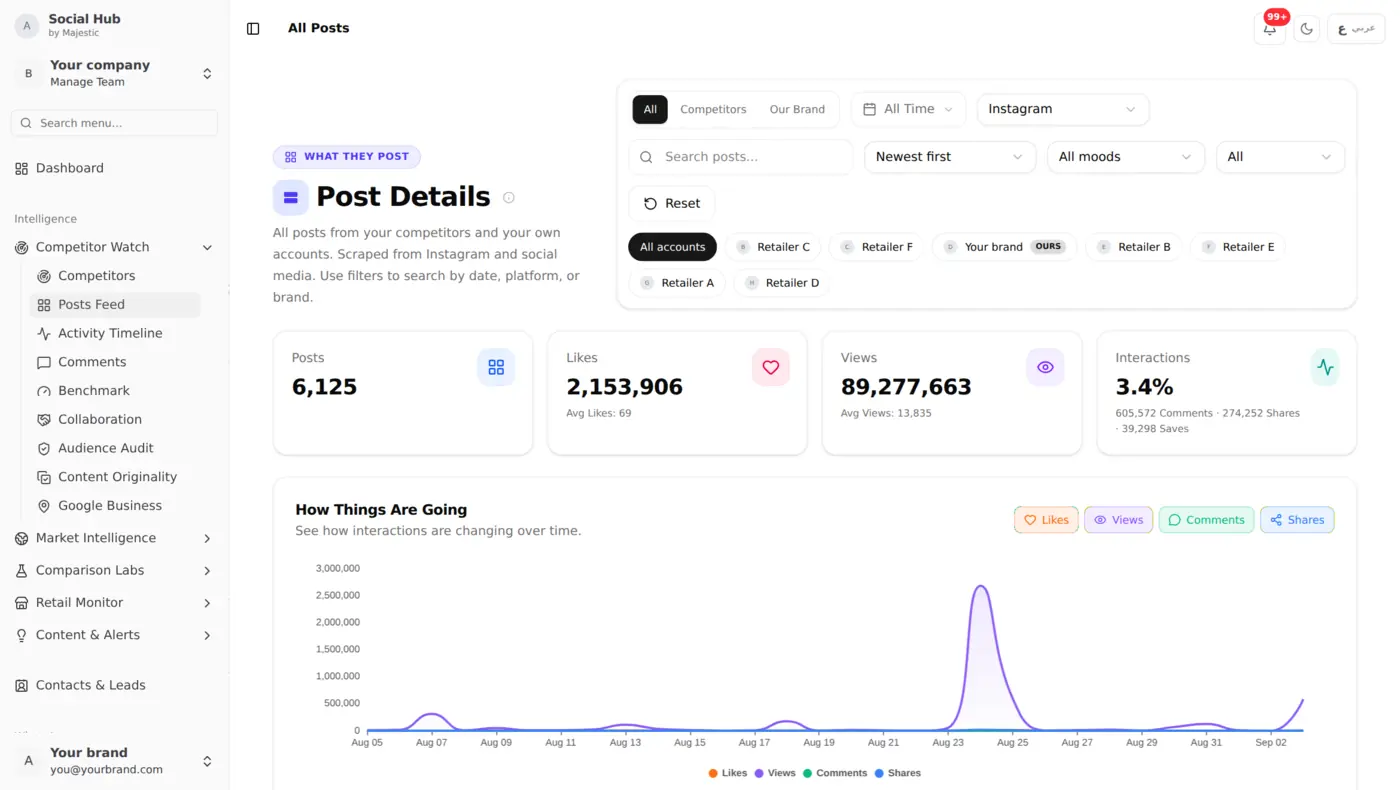
No manual checking required. Every morning, your competitor's latest posts are already in your dashboard.
Step 3: AI Vision Analysis
This is where it gets powerful. Social Hub's AI Vision system automatically analyzes every competitor image and extracts:
- Products, what's being promoted
- Prices, any pricing shown in the image
- Offers, discounts, bundles, BOGO deals
- Branding elements, logos, campaign themes
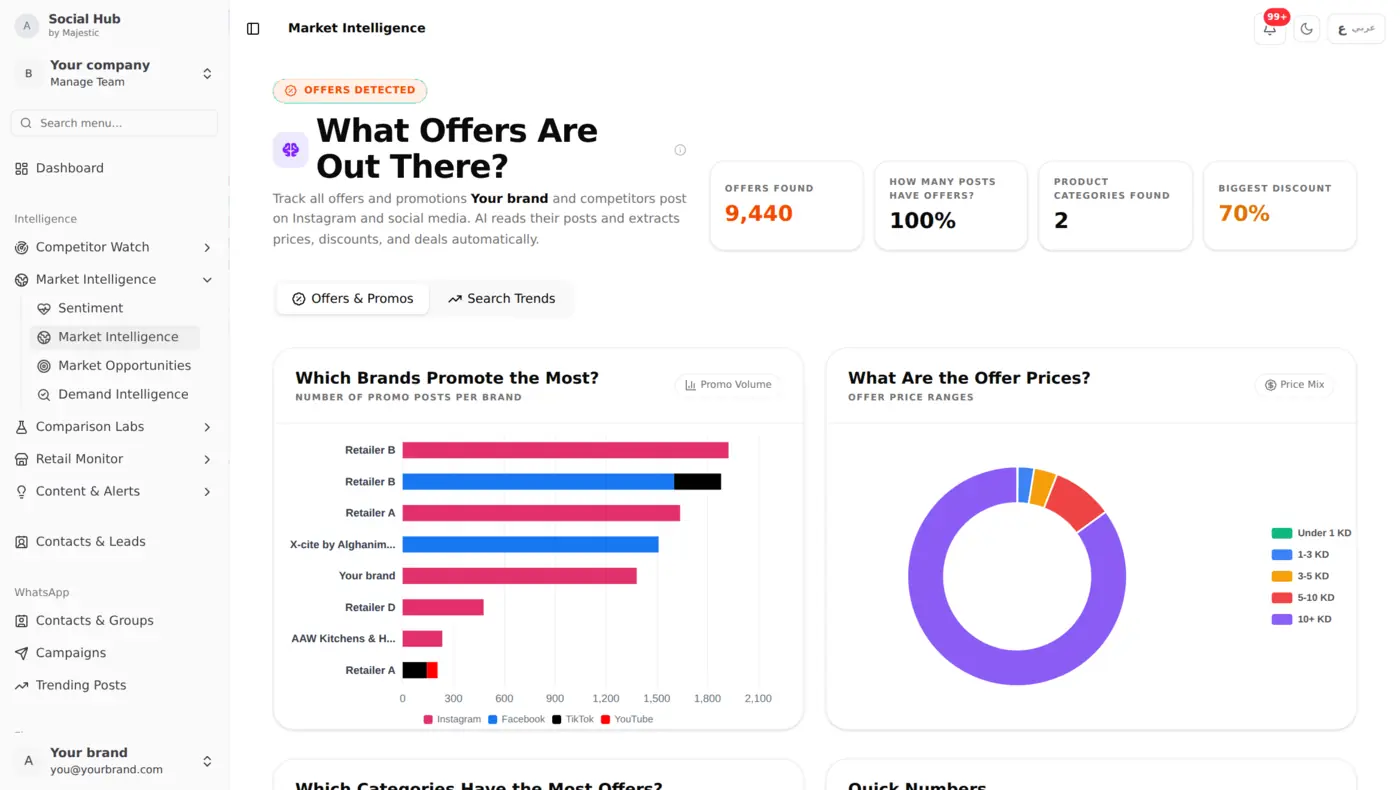
A competitor posts a new iPhone case at 8.9 KD? You'll see it in your next daily update, with the price extracted and categorized.
Step 4: Set Up Alerts
Don't wait to check your dashboard. Social Hub can alert you to:
- Promotion launches, when AI detects a new offer or discount in a competitor's post
- Price mismatches, when a store's social media price differs from the price on its own website
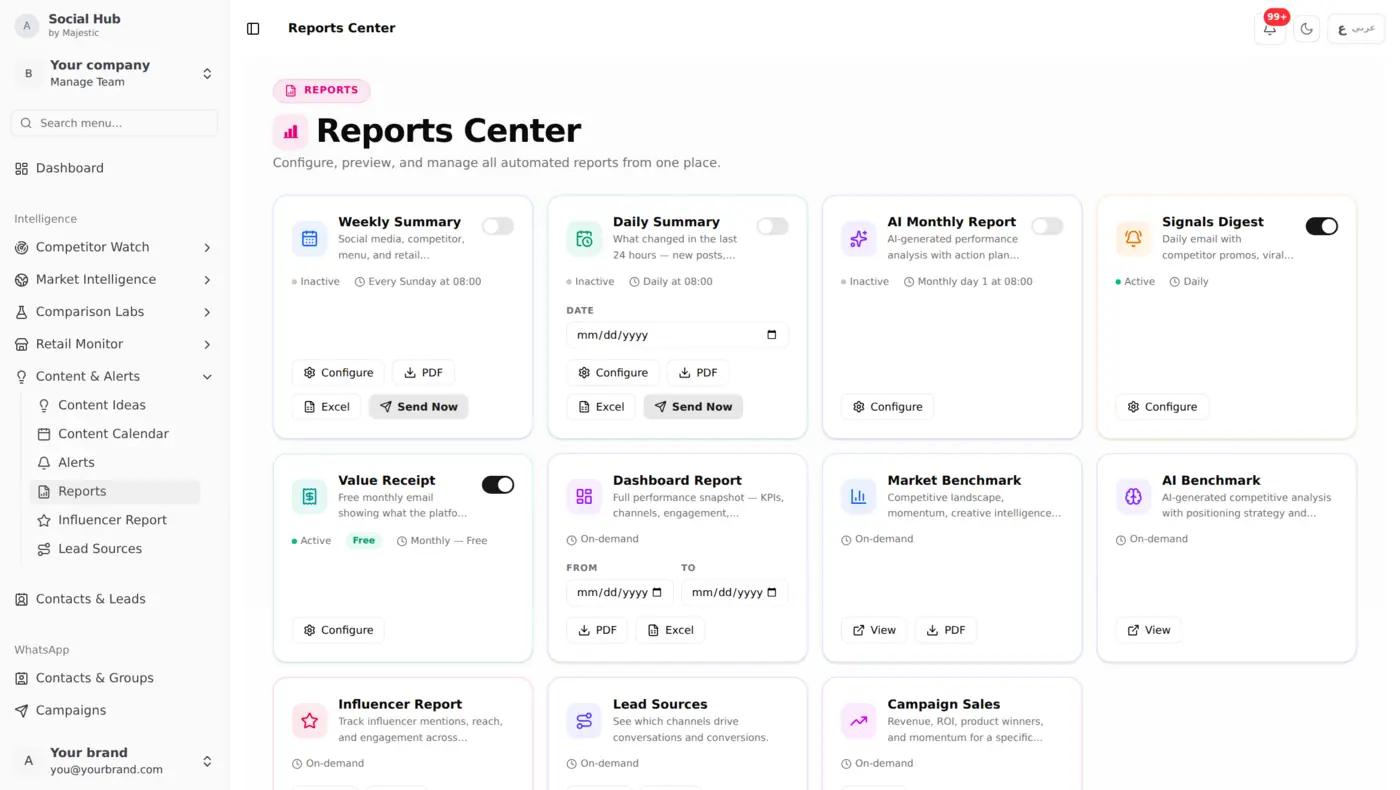
- Daily digests, a roundup of the latest signals delivered by email
Step 5: Analyze Patterns Over Time
Individual posts matter less than patterns. After a few weeks of tracking, you'll see:
- Posting frequency, how often each competitor posts
- Best performing content, what gets the most engagement
- Promotional calendar, when they run sales
- Content strategy, carousel vs single image, video vs static
The Market Intelligence dashboard visualizes these patterns across all your competitors.
Step 6: Act on the Intelligence
Intelligence without action is just data. Here's how to use what you find:
React to promotions: Competitor launched a 20% sale? Decide whether to match, counter-promote, or hold steady, but decide knowing, not guessing.
Improve your content: Their carousel posts get more engagement than your single images? Test carousels yourself.
Time your posts better: If your competitor always posts at 7 PM and gets high engagement, test posting 30 minutes before or after.
Fill content gaps: Notice they never post about a product category you carry? That's your opportunity.
What You Can Do with It
Keep all the competitors that matter to you in one place and review their latest posts every morning. See when they launch promotions, which content formats earn the most engagement, and how their promotional calendar plays out over time. Then plan your own content and offers based on what you see, not on guesswork.
Getting Started
- Sign up at social-hub.net
- Add your brand profile with your Instagram handle
- Add competitor Instagram handles (start with your top 5)
- Wait 24 hours for the first scrape cycle
- Check your Posts and Insights dashboards
Once your competitors are added, the system works automatically.