Agent Status & Assignment
See who is available and route conversations to the right agent.
Why it exists
A shared inbox without ownership turns into a queue nobody feels responsible for. Making availability and assignment explicit means every conversation has a name against it and customers stop waiting on nobody.
How it works
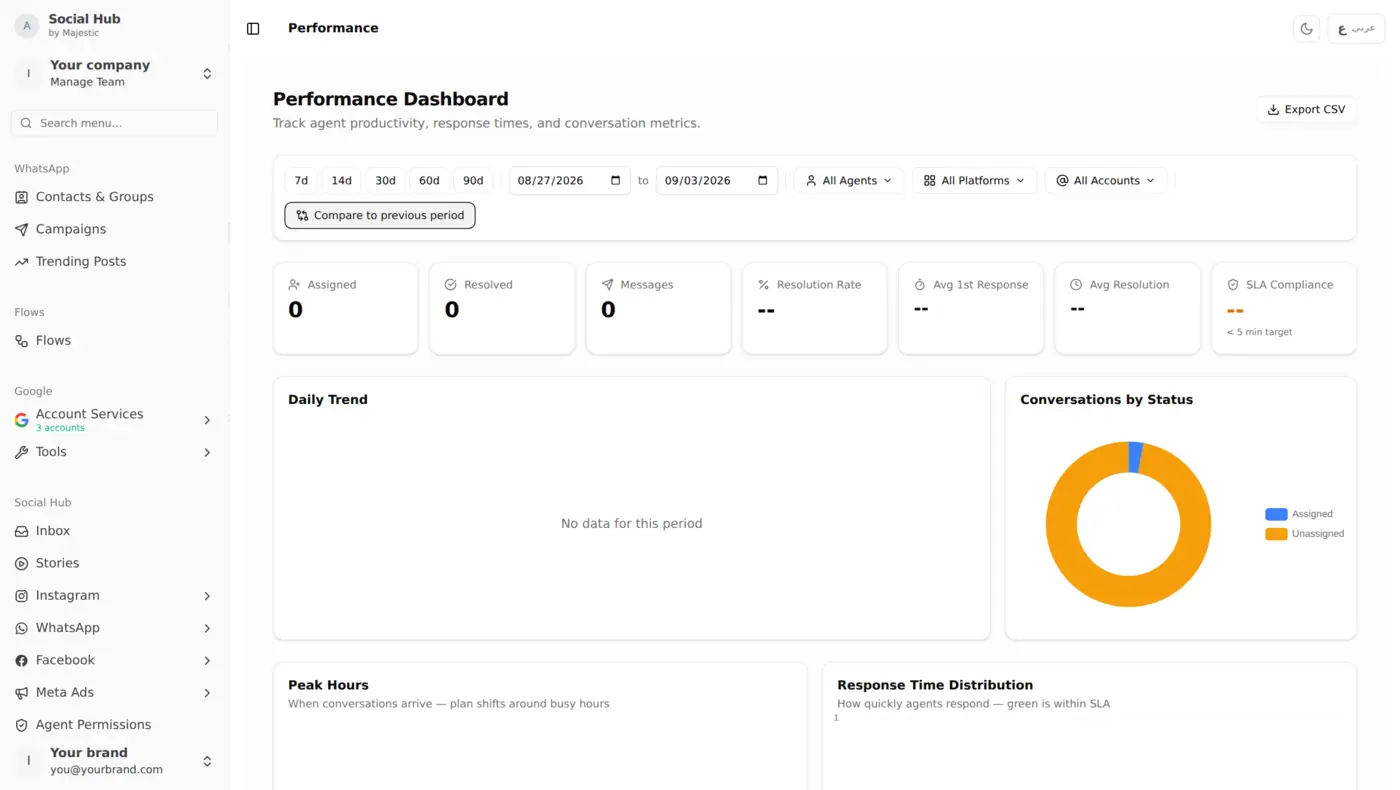
Agents set themselves available or away, and you monitor the queue and current workload from one screen. Conversations are assigned to a specific agent so ownership is never ambiguous.
Which plans include it
| Capability | BasicKD 25/mo | PlusKD 50/mo | ProKD 110/mo |
|---|---|---|---|
| Unified Inbox | |||
| Agent Status & Assignment | |||
| Agent Performance | |||
| Quick Replies | |||
| Auto-Replies | |||
| Auto-Reactions | |||
| Macros | |||
| SLA & Business Hours | |||
| Agent Permissions | |||
| Community Management | |||
| Case Desk | |||
| Stories Archive |
Common questions
Which plans include Agent Status & Assignment?
Agent Status & Assignment is included in the Pro plan. You can upgrade at any time and it becomes available immediately.
Does Agent Status & Assignment use points from my wallet?
Agent Status & Assignment is included in your plan. Some actions, such as competitor scans and AI analysis, use points from your monthly credit, and the cost of each one is listed in your wallet.
Is Agent Status & Assignment available in Arabic?
Yes. Social Hub runs fully in both English and Arabic, including right-to-left layout, so your team can work in whichever language they prefer.
Works with
See Agent Status & Assignment in your own dashboard
Book a walkthrough and we will load your own competitors before the call.