"Reply faster" is not a plan. Most social inboxes miss their targets for one of two reasons: the target was never realistic for the number of people on shift, or nobody looks at the numbers until a customer complains in public.
This is a playbook for the person who runs the team. It covers how to work out how many agents you need, how to set response targets you can actually keep, and how to review the week in twenty minutes.
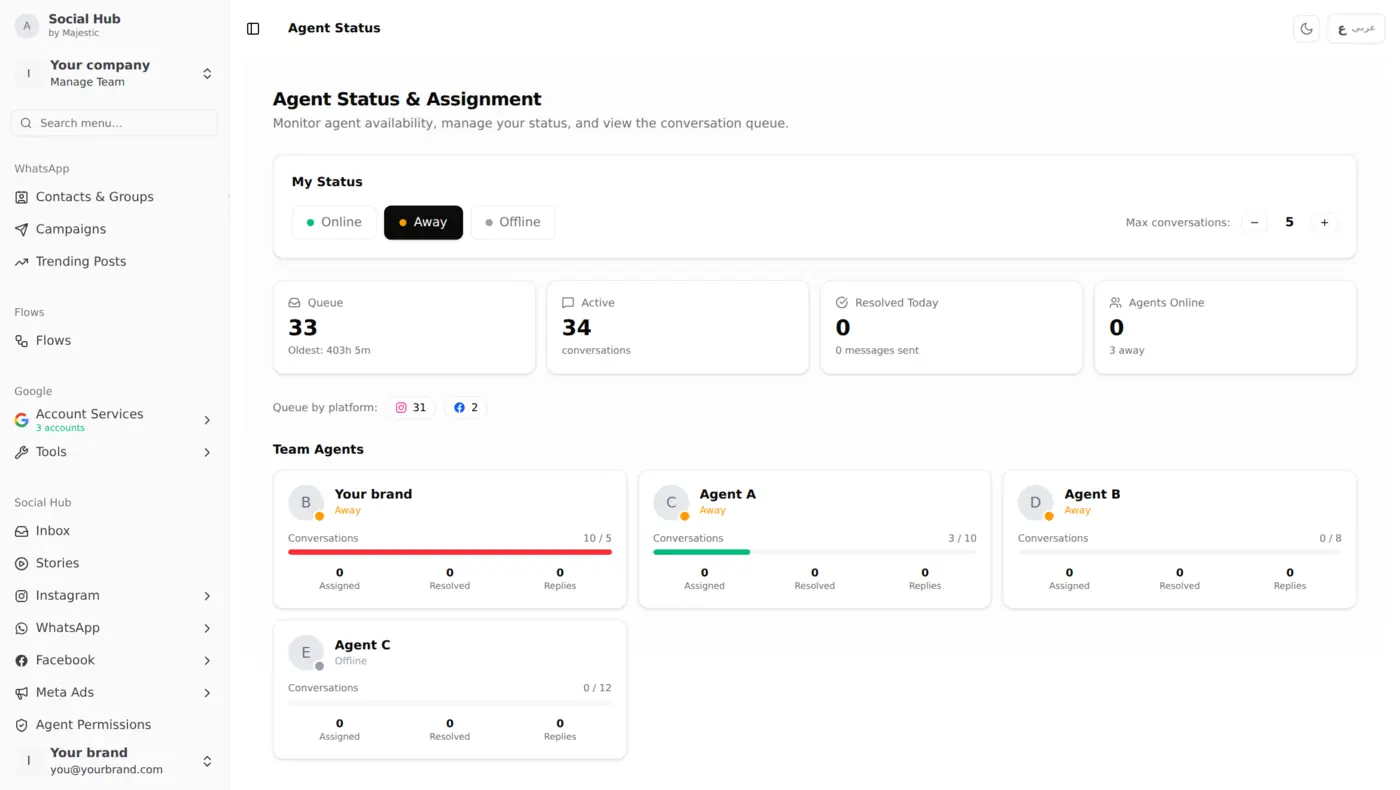
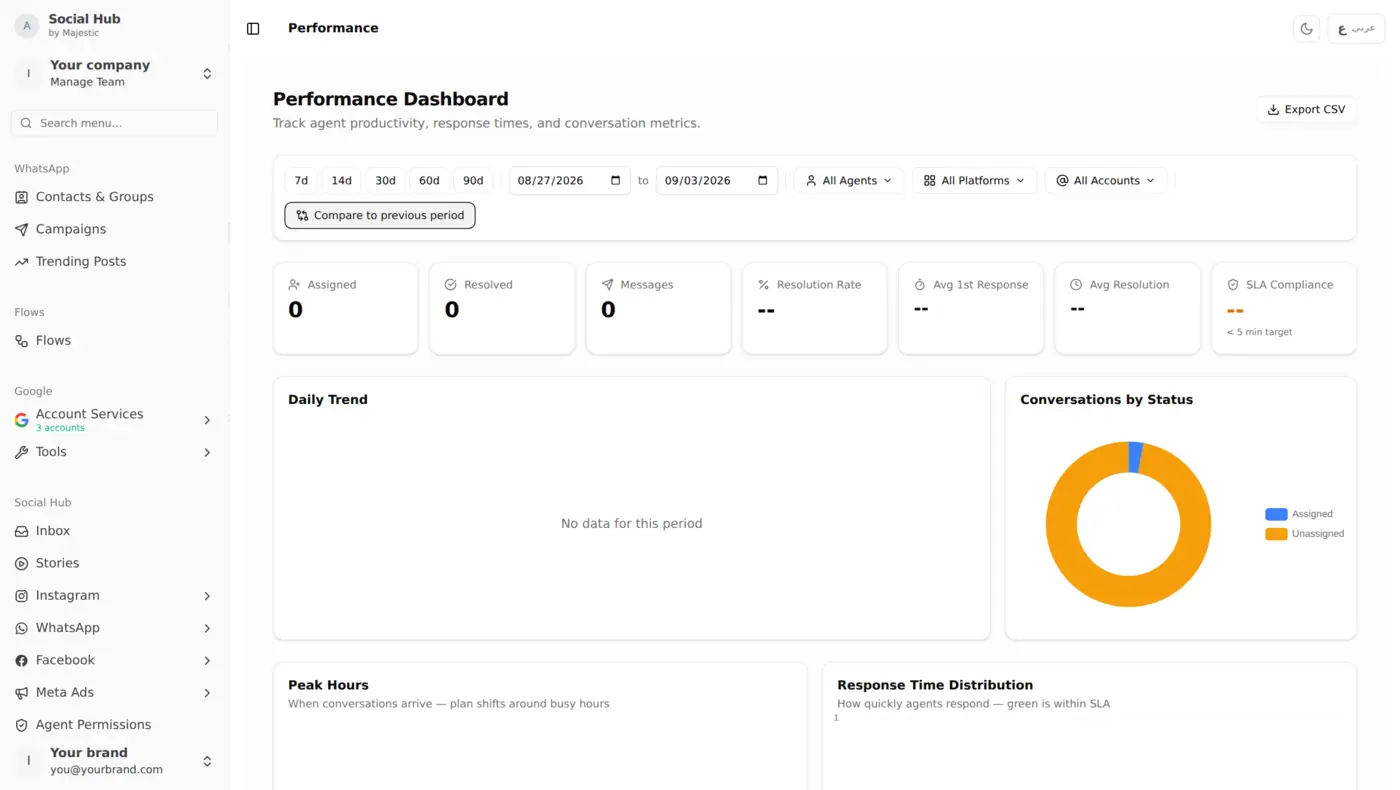
If you want the product tour first, see Agent Status & Assignment and Agent Performance.
Step 1: Work out your real capacity
Start with three numbers from your last two weeks:
- Conversations per day, and how many land in your busiest two hours
- Average handling time: how long one conversation keeps an agent busy, from first reply to resolved
- How many conversations one agent can hold at once without replies slowing down
A worked example:
- 150 conversations a day, 40 of them between 7 and 9 pm
- Each conversation needs about 6 minutes of an agent's attention in total
- An agent can comfortably juggle 4 conversations at once
In the 7–9 pm peak, 40 conversations × 6 minutes = 240 agent-minutes in 120 minutes. That is 2 agents fully busy, so you need 3 to leave room for spikes, breaks and the one difficult customer who takes 20 minutes.
The peak hours heatmap in the performance dashboard gives you the busy-hours number directly, and the per-agent view shows how many conversations people really hold at once.
Step 2: Set targets per platform, not one for everything
Customers expect different speeds on different channels. A sensible starting point:
| Platform | First reply target | Why |
|---|---|---|
| 3 minutes | Feels like a chat; people wait with the app open | |
| Instagram DMs | 5 minutes | Often a quick question before buying |
| Facebook Messenger | 10 minutes | Slower expectations, more complex questions |
| Comments | Same day | Public, but rarely urgent; spam and abuse first |
Set the target per platform in Social Hub, and the dashboard shows how often each one is met. It can alert the team when a response target is missed.
Rule of thumb: if you meet a target less than 80% of the time for two weeks running, it is a staffing or routing problem, not a motivation problem. Either add capacity in the peak or loosen the target honestly.
Step 3: Let routing do the boring part
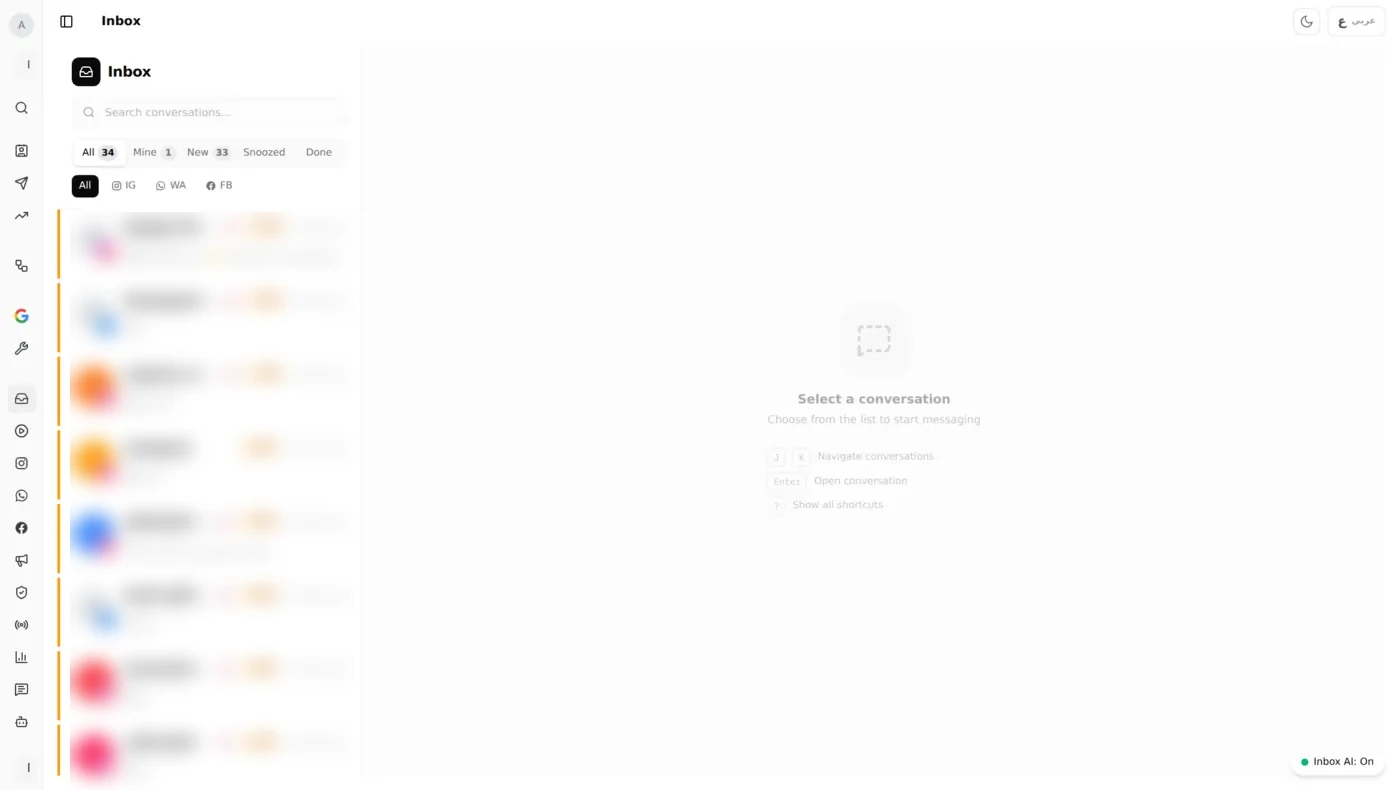
Manual assignment breaks at busy times: the fastest agent grabs everything and burns out, and the quiet ones wait. Set a maximum number of open conversations per agent (4–6 is typical for messaging) and let auto-assignment share the work:
- Round-robin when agents have similar skills
- Least busy when conversation length varies a lot
- A specific agent or rule for a platform, account, branch or message type, for example all WhatsApp orders to the order team
If conversations are often reassigned by hand, that is a sign your rules do not match how work actually arrives.
Step 4: The 20-minute weekly review
Same time every week, for example Sunday morning. Open the performance dashboard for the last 7 days and go through five questions:
- Did we hit the target on each platform? Note any platform under 80%.
- When did we miss? Check the peak hours heatmap against the shift plan. Misses almost always cluster in two or three time slots.
- Is the load fair? Compare assigned and resolved per agent. Big gaps mean routing or capacity limits need adjusting.
- Who is slow, and why? A long resolution time often means product questions the agent cannot answer. That is a training or saved-reply fix, not a warning.
- What will change this week? One change only: a shift moved, a rule added, a saved reply written. Check its effect next week.
Common mistakes
- One target for every channel. WhatsApp and Facebook comments are not the same job.
- Judging agents on volume alone. The agent who closes fewer, harder conversations may be your best one.
- Hiring before fixing routing. Uneven load looks like a staffing shortage.
- Reviewing only after a complaint. By then the pattern has been there for weeks.
Getting started
- Invite the team and set each agent's maximum open conversations.
- Set response targets per platform.
- Turn on auto-assignment.
- Put the 20-minute review in the calendar and keep it there.